How to Slim Down a Vite App
I recently encountered this warning in one of my Vite apps:

This chunking warning will often appear if you add large dependencies to a project. To find out which dependencies are the culprit, analyze the bundle size using the rollup visualizer plugin. It can be configured like this in vite.config.ts:
import { visualizer } from "rollup-plugin-visualizer";

export default defineConfig({
  plugins: [
    react(),
    tailwindcss(),
    visualizer({
      filename: "stats.html",
      emitFile: true,
      template: "treemap",
    }),
  ],
  resolve: {
    alias: {
      "@": path.resolve(__dirname, "./src"),
    },
  },
});
After building the project (e.g. by running pnpm build) you can open the stats.html file from the dist folder (e.g. by running open ./dist/stats.html).
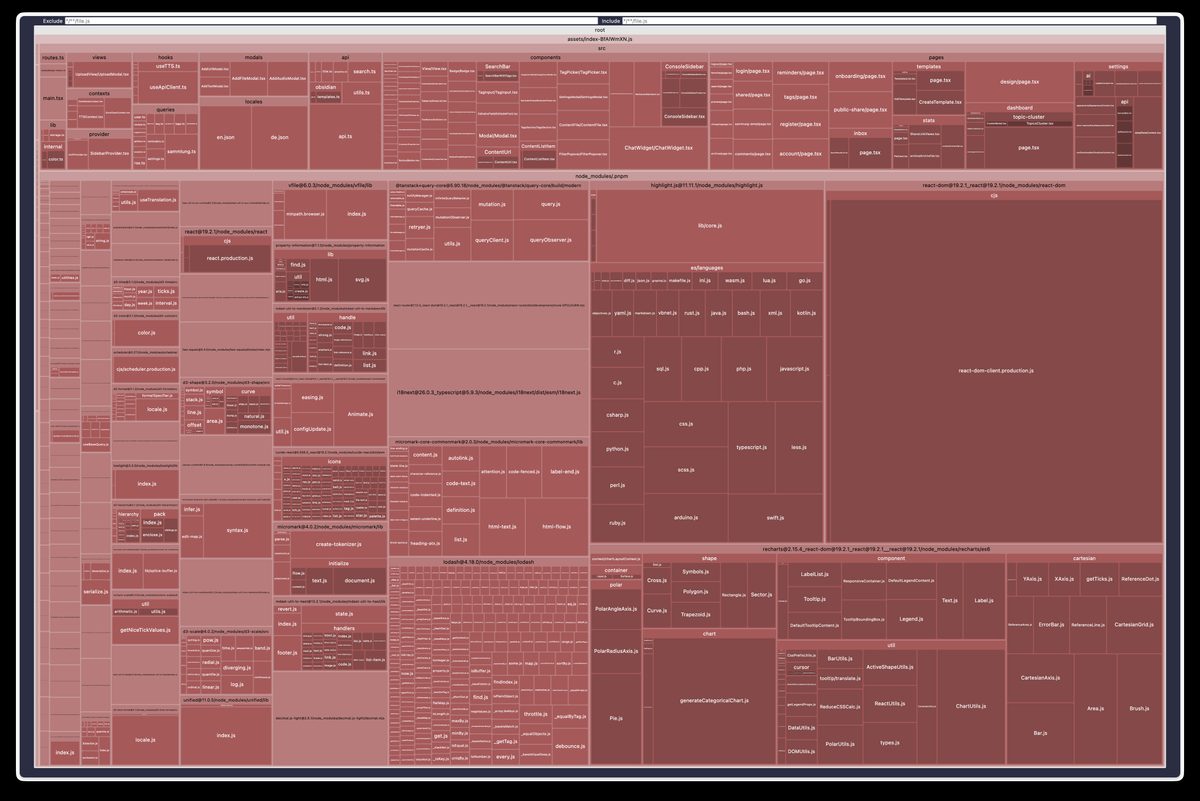
Depending on the selected template, different visualization types will open:
Treemap
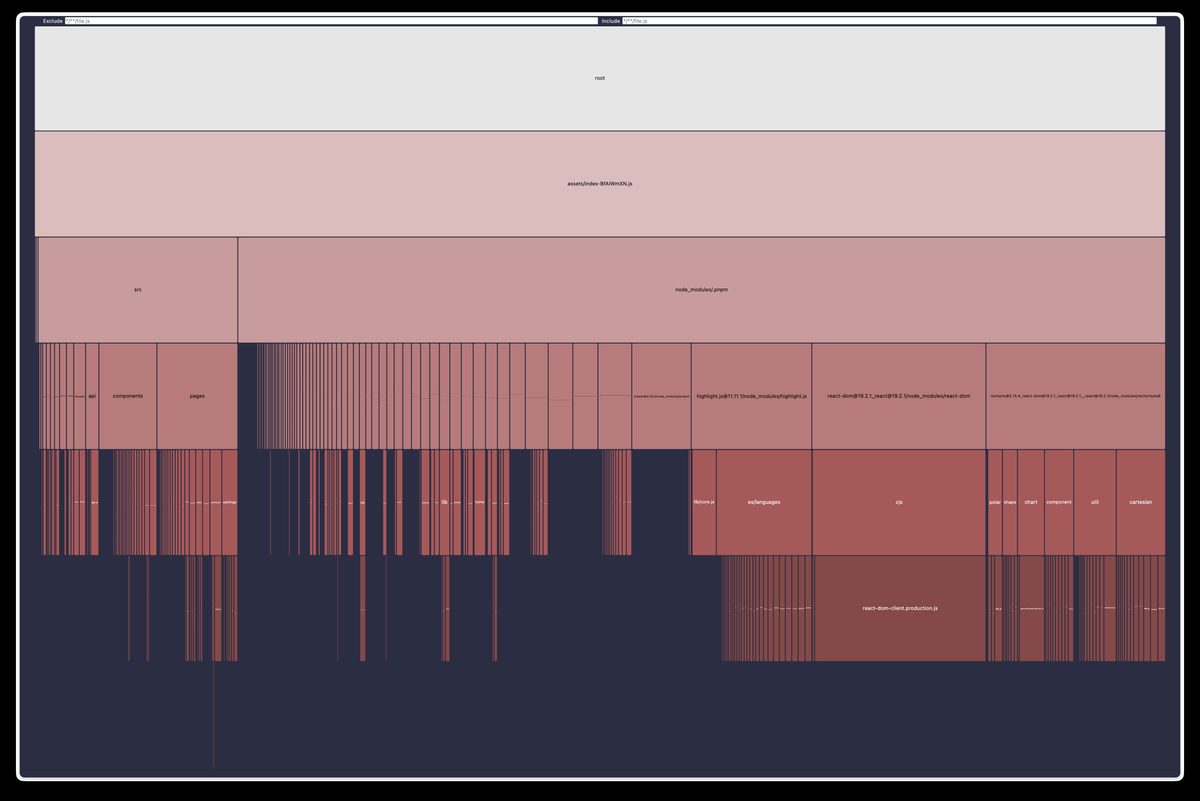
Flamegraph
I found this to be the most useful and easy to understand version. It clearly shows the different layers and big chunks are quick to find.
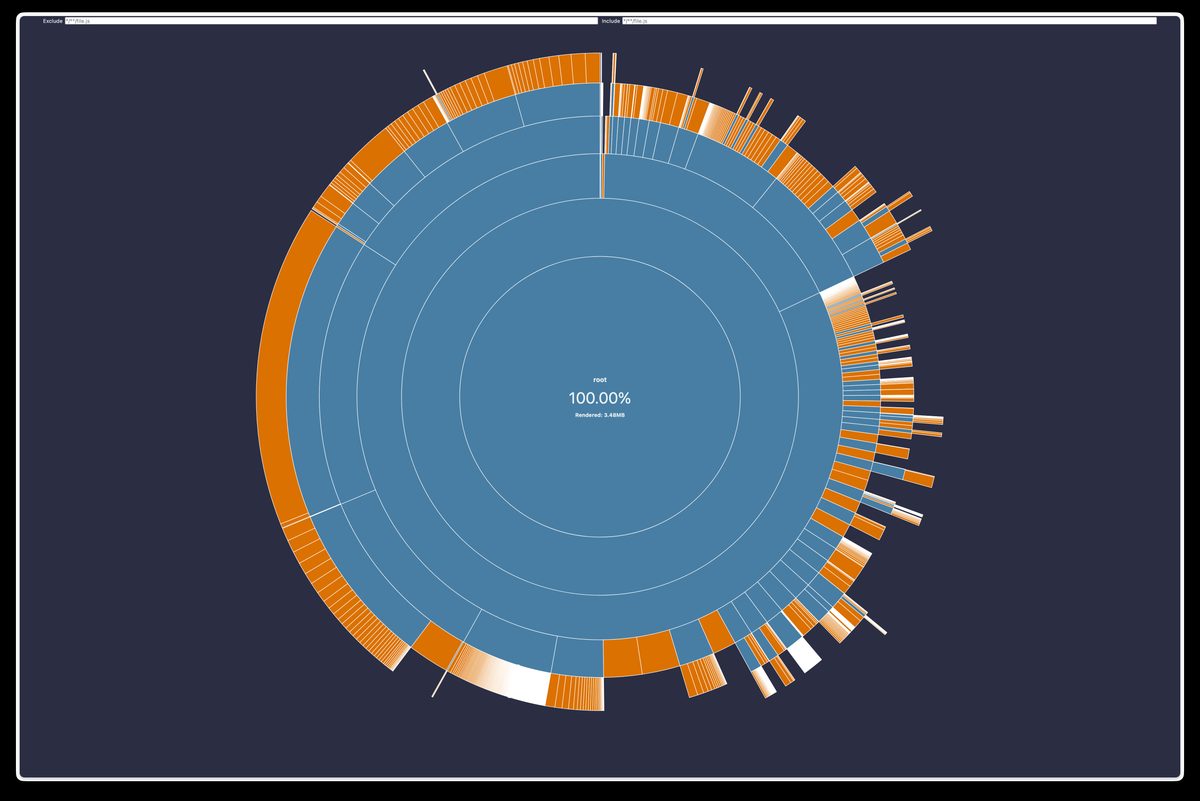
Sunburst
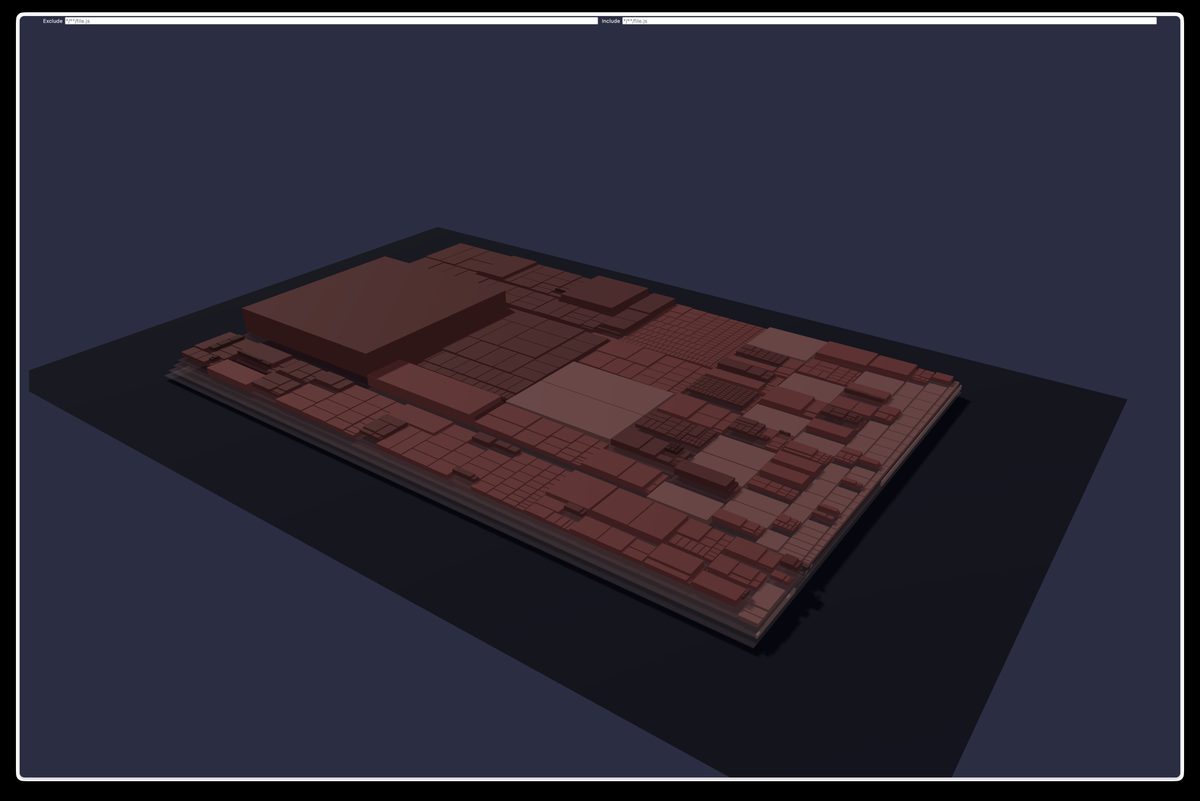
Treemap 3D
This one is crazy, looks a bit like a microcontroller.
What to do about big chunks?
This kind of depends on the type of chunk and how prominently it is used in your app. The React dependency for example is hard to chunk if your app is a React app. But if your dependency is only used on certain pages (for example a PDF viewer) you might want to only load it when it is actually viewed by the user.
You can do this by lazy importing dependencies or more complex pages. In this example, the <Page> component could include a PDF viewer that you only want to load when the component mounts/loads:
const Page = lazy(() => import("./pages/page"));